← All news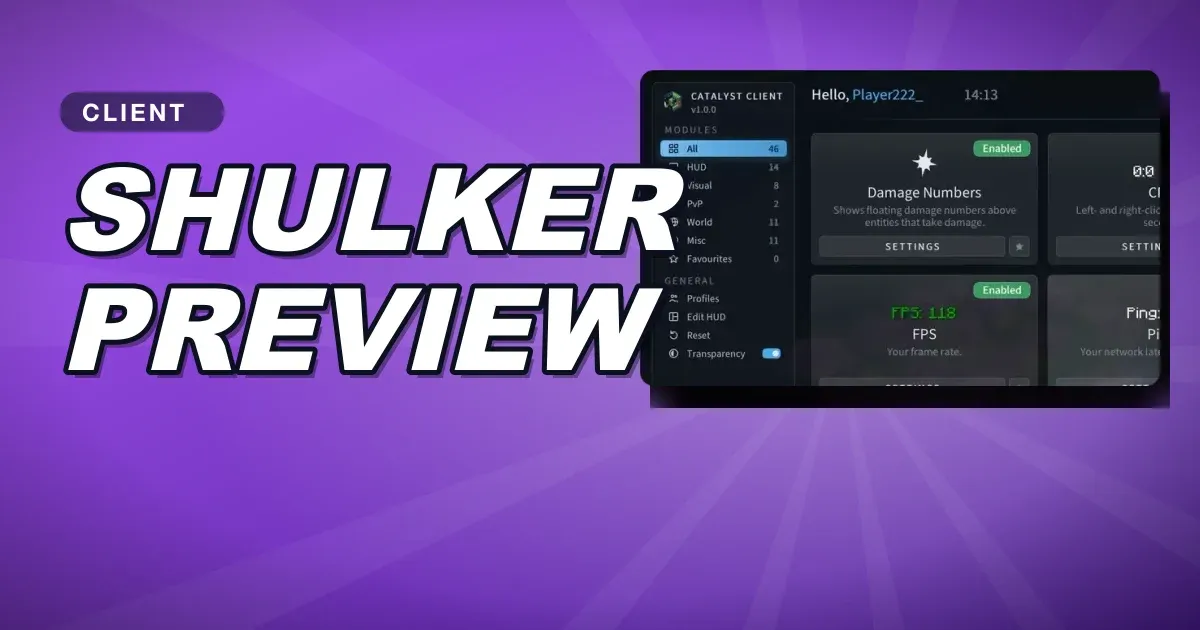
Take/Deposit, Shulker Preview and Auto Text
Move whole rows of items with one click, look inside shulker boxes, and send messages with a key.
- Take / Deposit: arrow buttons beside chest and inventory rows to move or drop them.
- Shulker Preview: hold a key over a shulker box to see inside.
- Auto Text: press a key to send a message or run a command.